Display a notice like "Only 3 left!" on cart line items and upsell product cards when a product's stock is at or below a configurable threshold.

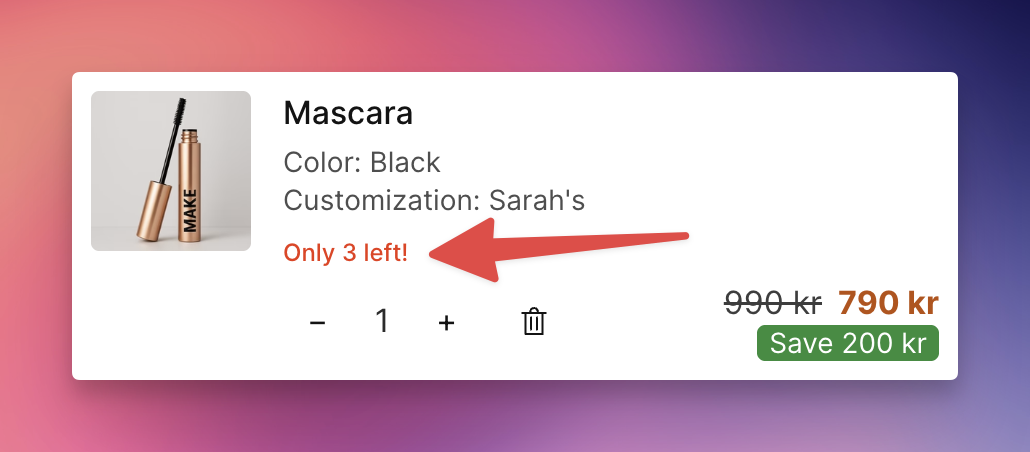
Go to Cart Designer → Layout & Function → Inventory notice
Check Enable to activate the feature
Set the Threshold — the notice appears when stock is at or below this number (default: 5)
Choose the Display location:
Line items & upsells — show on both
Line items only
Upsells only
Customize the Notice text — use {count} to insert the remaining quantity. Default: "Only {count} left!". You can also go less specific, e.g. “Only a few left”.
Set the Text color to match your branding
The notice only appears when inventory is greater than 0 and at or below the threshold
Uses variant-level inventory when available, otherwise falls back to the product-level total
The notice text is translatable. Go to Language & Translations to set translations for each language your store supports. Use {count} in each translation to insert the remaining quantity.